Upload a Lease
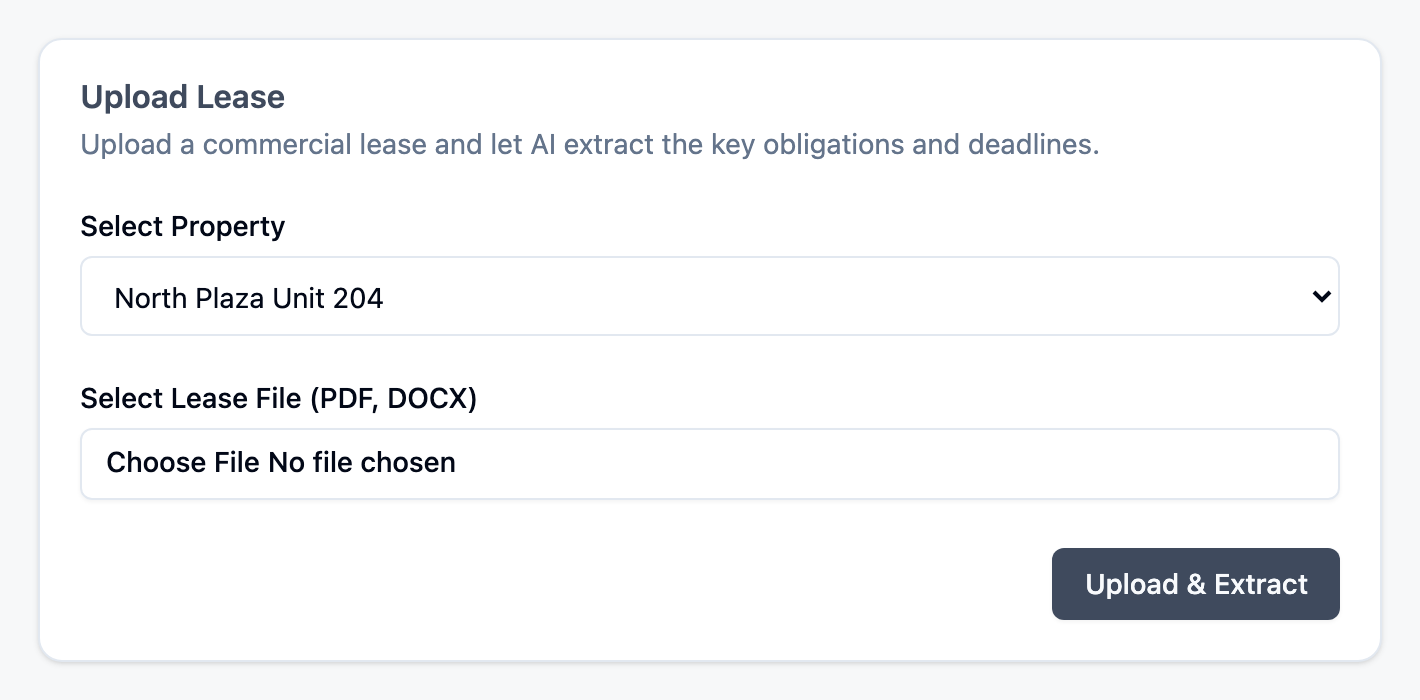
Upload a lease file to extract key dates and generate deadline obligations.
Supported Files
- DOCX
Steps
- Open
Leases. - Select
Upload Lease. - Choose a lease file.
- Review extracted fields:
Lease Start DateLease End DateRenewal Option ExistsRenewal Option LengthRenewal Notice PeriodCalculated Renewal Deadline
- Correct any values that do not match your lease.
- Select
Save Lease.
Important Behavior
- Extraction is suggestion-only; you confirm what gets saved.
- The renewal deadline is computed from lease end date and notice period.
- If notice period is incomplete, deadline calculation may be unavailable.
Tips
Fixed intervalescalation requires both first escalation date and interval value. Example: first escalation date2026-07-01with interval12months.- Use month values only when the lease explicitly defines month-based notice language. Example: if the lease says "6 months prior," enter
6+months(not180 days).
After Saving
- The lease is listed in
Leases. - One or more obligations can be generated for tracking.
Continue to: Track Deadlines