Undo Renewal
Use Undo Renewal only when a recent renewal handling action must be reversed.
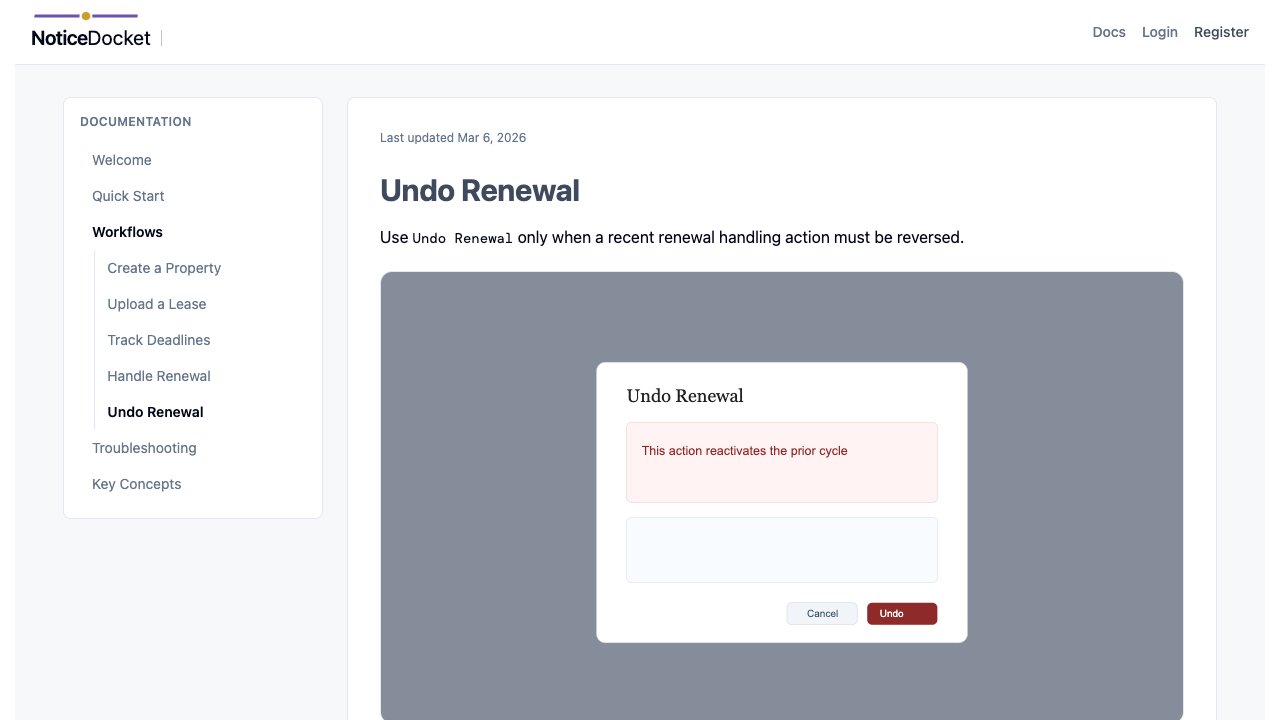
When Undo Is Available
Undo is limited by strict safeguards. In general, it is available only when:
- The affected cycle is the latest cycle.
- The cycle is still active and unchanged after renewal handling.
- Required lease terms were not modified since the renewal action.
- The request is still within the allowed grace window.
- No downstream notification side effects were created on the new cycle.
If conditions are not met, the app will show Undo renewal unavailable.
Steps
- Open
Obligations. - Find the renewed cycle.
- Select
Undo Renewal. - Confirm the warning dialog.
- Verify success message and updated list.
What Happens on Success
- The latest renewal cycle is voided in history.
- The prior cycle is reactivated.
- Audit history is preserved rather than deleted.
Good Practice
- Use undo quickly after an accidental renewal action.
- If downstream edits were already made, treat it as a data correction workflow instead of undo.
- After undo, verify due date, stage, and renewal intent state in the obligation record.
Tips
- Undo checks run in deterministic priority, so the first visible reason is the highest-priority blocker.
- If the cycle is no longer the latest cycle, undo is intentionally blocked.