Create a Property
Use this flow when adding a new location or tenant record.
Steps
- Open
Properties. - Select the create action.
- Enter property details.
- Optionally set
Lease Start DateandLease End Date. - Save.
Best Practices
- Add a clear property name your team can search quickly.
- If lease dates are unknown, save the property first and update later.
- Keep address and account labels consistent across your portfolio.
What Happens Next
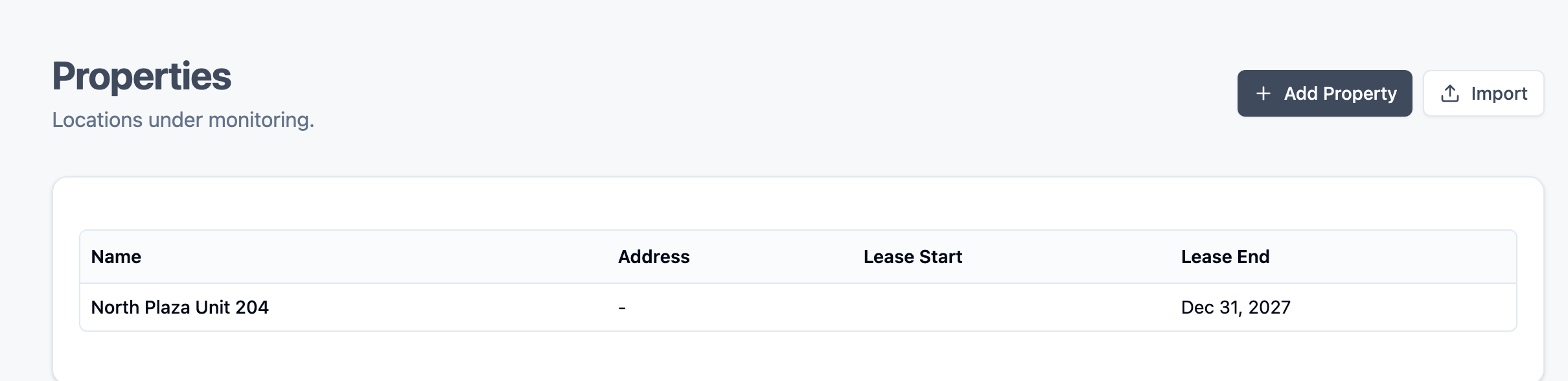
- The property appears in the properties table.
- You can open the property detail view and upload a lease.
Continue to: Upload a Lease