Handle Renewal
Use Handle Renewal when a renewal notice obligation has been actioned and you need the next cycle created.
When to use it
- You are confirming a renewal path for the current lease cycle.
- You need the system to close the current cycle and open the next one.
This action applies only to active renewal notice obligations.
Steps
- Open
Obligations. - Locate the renewal-related obligation.
- Select
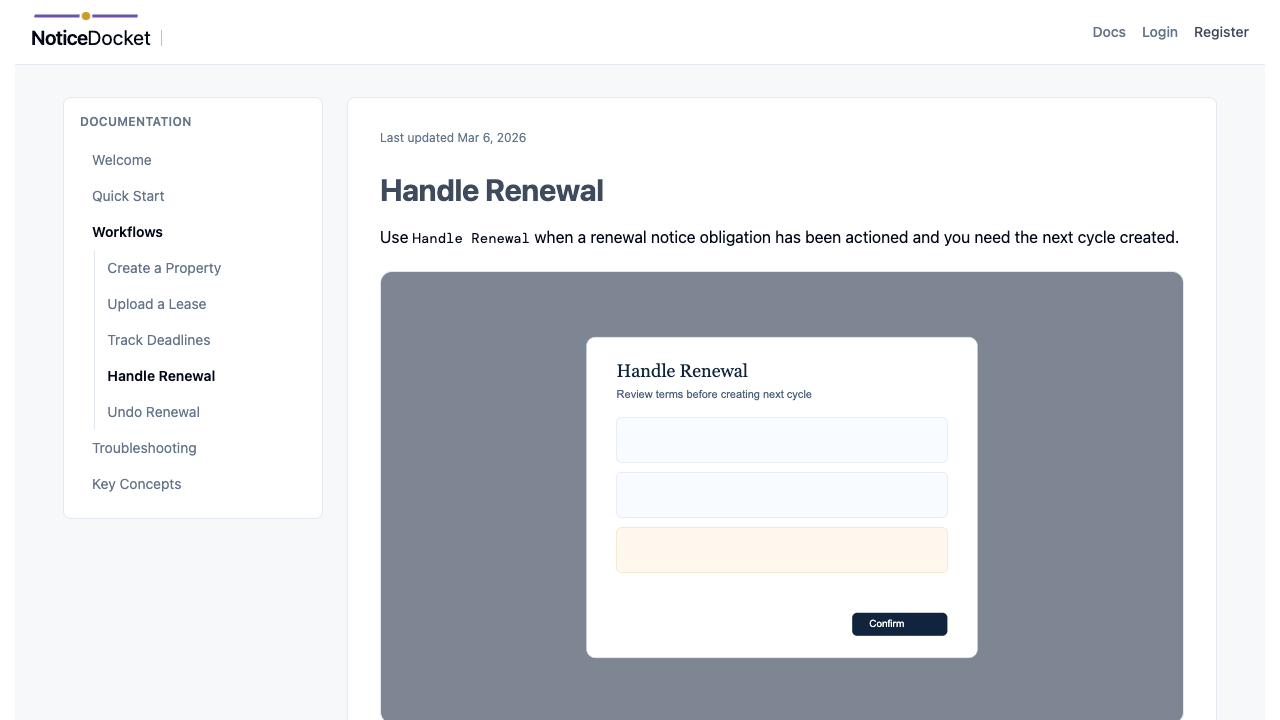
Handle Renewal. - Confirm lease-end and notice values shown in the dialog.
- Submit the action.
What the App Does
- Marks current cycle as completed.
- Updates cycle lineage in history.
- Creates the next cycle obligation with a newly calculated deadline.
Override Notes
If the previous cycle used a manual override, review the dialog carefully and confirm whether to keep calculated behavior or carry forward the override choice where offered.
Validation Tips
- Do not submit with guessed dates.
- If legal terms changed, update terms before confirming renewal handling.
Tips
- Auto-cycle creation requires complete lease terms (lease end, renewal option length, notice period).
- If lease terms changed after prior handling, renewal outcomes can be blocked until terms are reconciled.
- On success, renewal handling updates the cycle list and history immediately, so the next cycle is visible as part of the same workflow.
Continue to: Undo Renewal